
Start of preparation
Step
Open file of the candidate by clicking on his name.
Then we click on the last page called "Uploads"
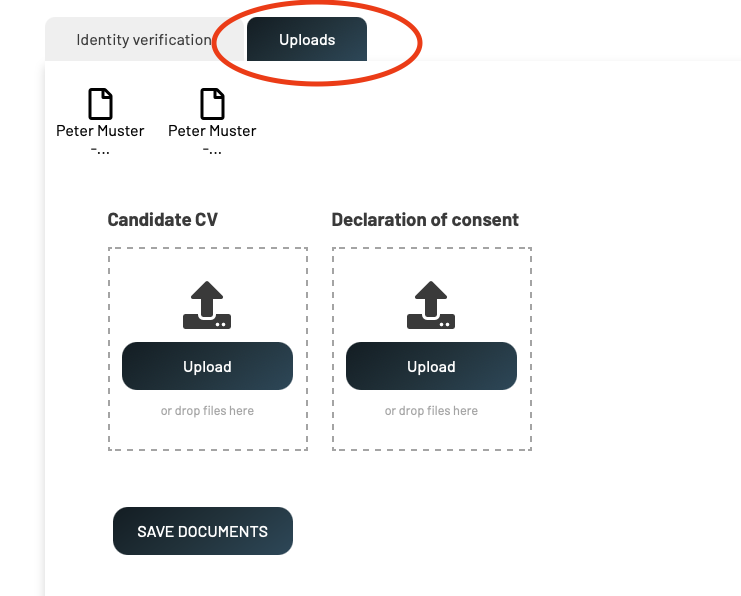
NO CONSENT FORM
CONSENT FORM
Open all files (in the picture above Blank page logo documents named Peter Muster) by clicking on themthem.
In checkthe ifdocuments we havesearch receivedfirst signedfor filled Validato consent form fully filled out- Second pageDeclaration of theConsent formform. must(example containbelow- allthere are more types of forms following informationone writtenis byonly candidate:informative)
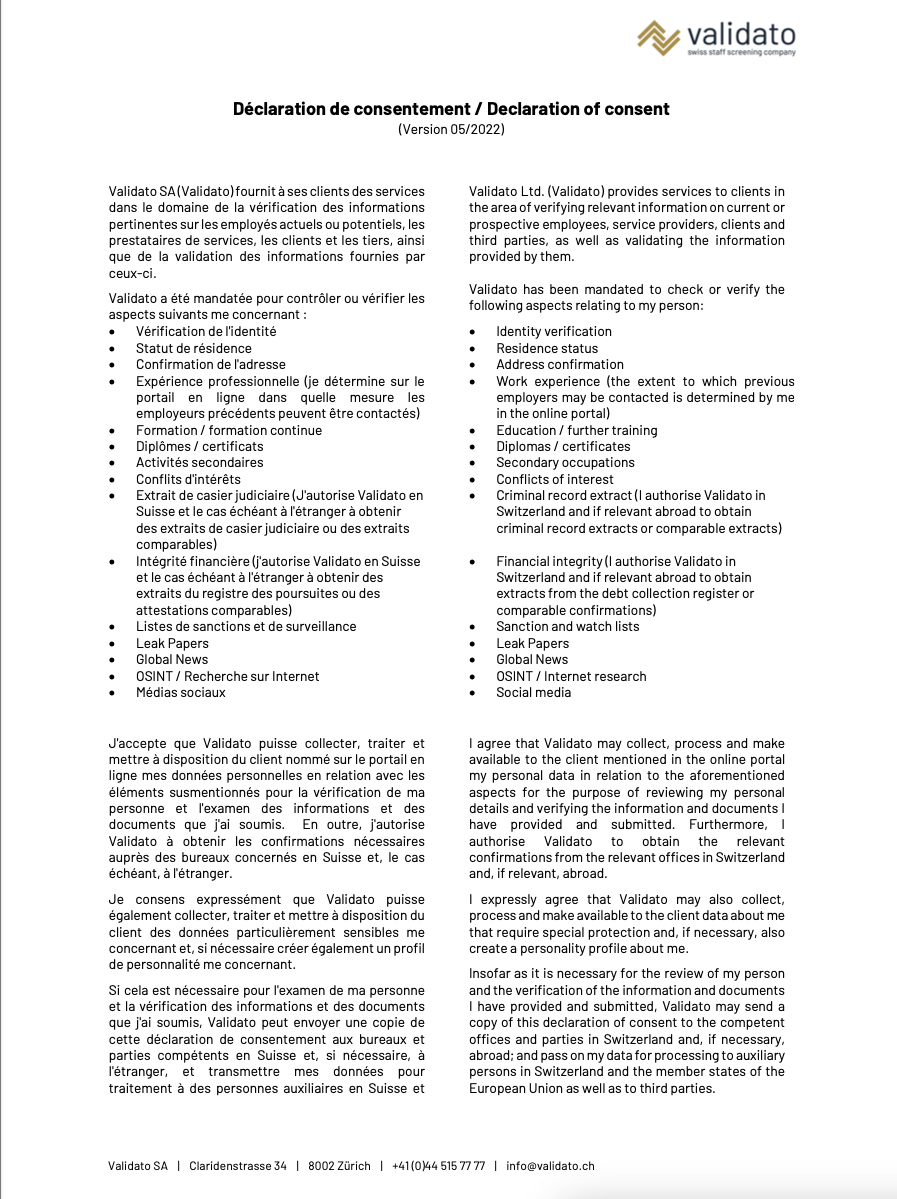
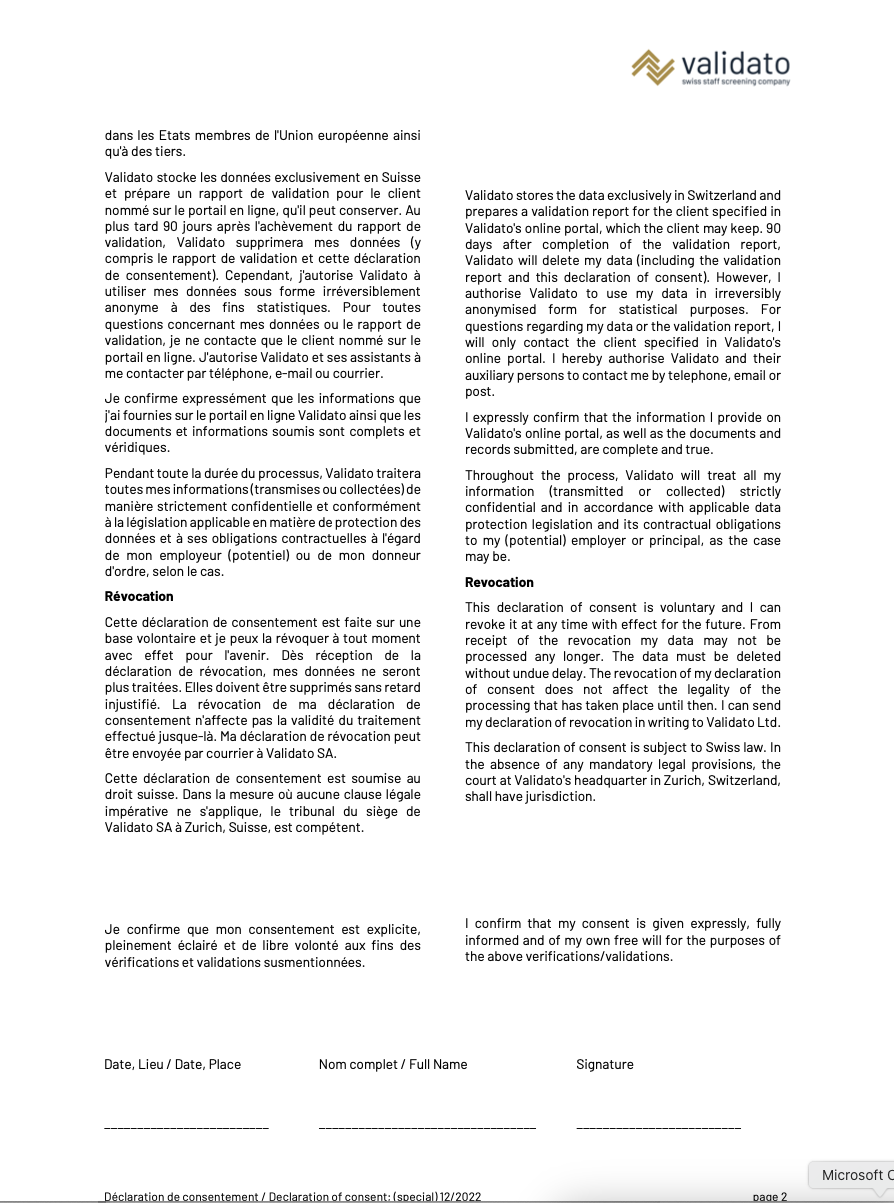
If there is NO CONSENT FORM MISSINGwe proceed here: No consent form
If we have OBTAINED CONSENT FORM we proceed here: Consent form obtained